


The Xiaomi HyperOS 3.1 rollout continues to bring refined user experiences and UI optimizations across the global market. Recently, the REDMI Note 15 5G received the highly anticipated Xiaomi HyperOS 3.1 Global Update. Extracted directly from this firmware is a brand-new build of the POCO Launcher, which introduces a highly requested ergonomic adjustment: a bottom-aligned home screen search bar.
The New Home Screen Search Experience
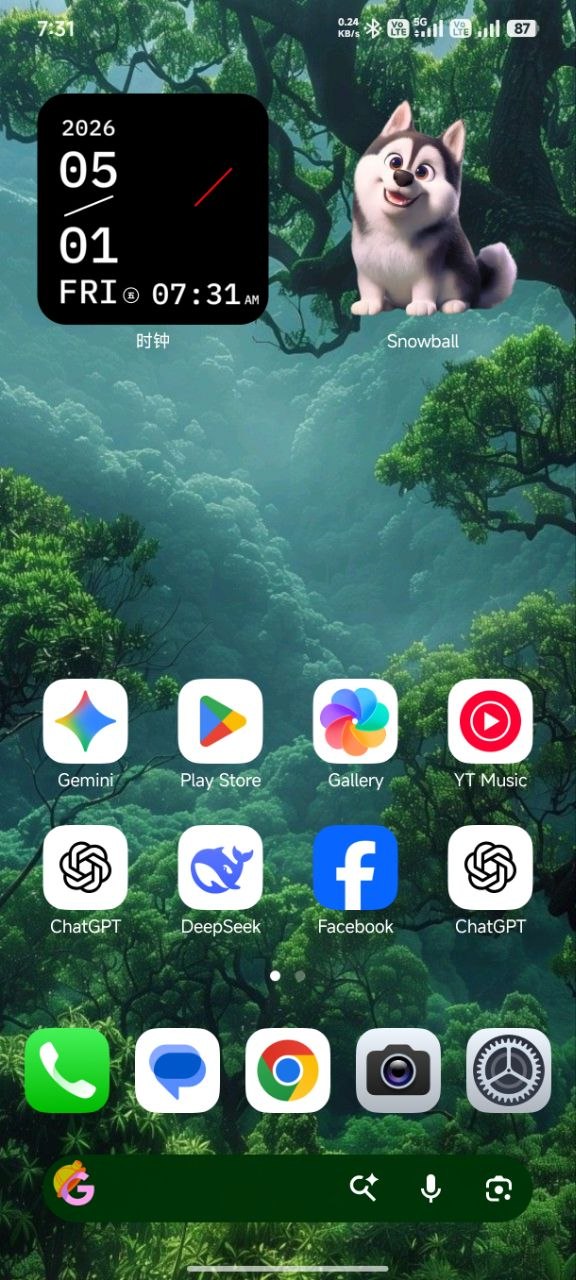
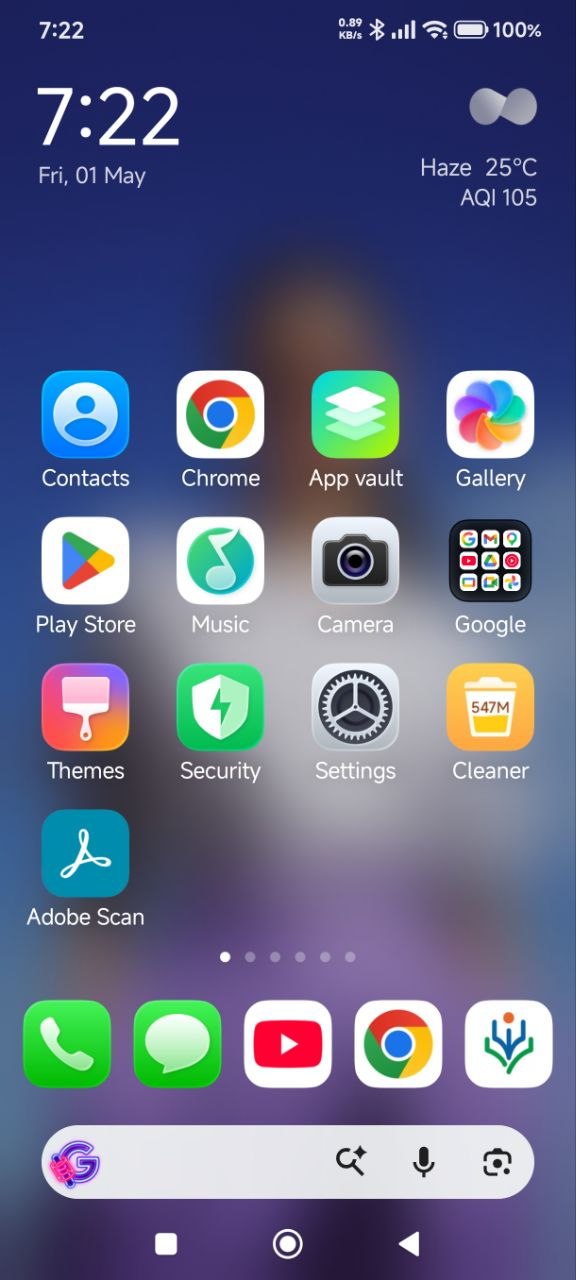
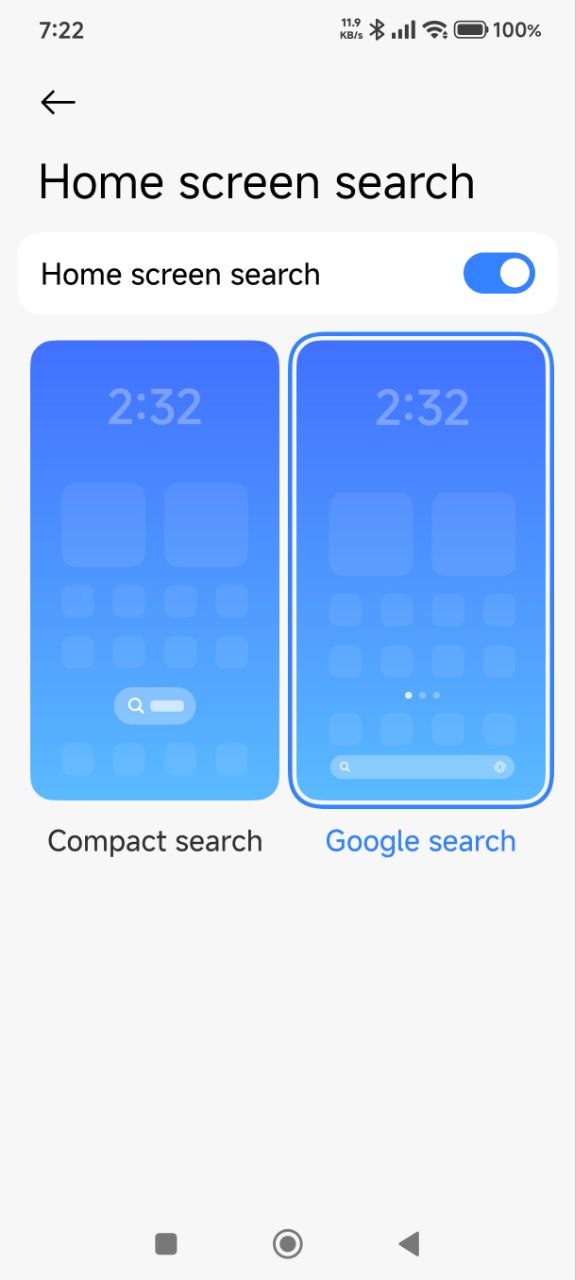
With the release of POCO Launcher build RELEASE-6.01.05.2303-04201620, the development team has integrated a new “Home screen search” module into the launcher settings. This feature dramatically improves one-handed usability by placing the search interface at the bottom of the display, right above the navigation pill or buttons.
Based on the system settings, users are provided with two distinct layout options to suit their aesthetic preferences:
-
Compact Search: A smaller, pill-shaped floating search button that minimizes home screen clutter while keeping search accessible.
-
Google Search: A traditional, full-width search bar integrated natively at the bottom of the screen, allowing instant queries through the Google app.
It is important to note that this home screen search bar is the only feature added in this new version. Aside from this specific UI module, the launcher’s performance, animations, and overall functionality remain completely identical to the previous release.
Update Details
-
Target OS: Xiaomi HyperOS 3 Series (Global ROMs).
-
Extracted From: REDMI Note 15 5G (HyperOS 3.1 Global).
-
Application: POCO Launcher (
com.mi.android.globallauncher). -
Version: RELEASE-6.01.05.2303-04201620.
Xiaomi’s continuous refinement of system applications demonstrates their commitment to user-centric design within the broader Xiaomi HyperOS ecosystem. This iterative approach ensures that even minor UI components are optimized for modern hardware and real-world usage patterns.
You do not need to wait for the official system OTA to enjoy these new features. You can manually upgrade your system launcher right now. Download the latest POCO Launcher update directly from our secure repository at MemeOSUpdates.com, or for an even more seamless, one-click installation experience, you can download and apply the update directly via your MemeOS Enhancer application.


problem with this update, the game turbo wont start, black screen after this update.. i had to revert to older version