
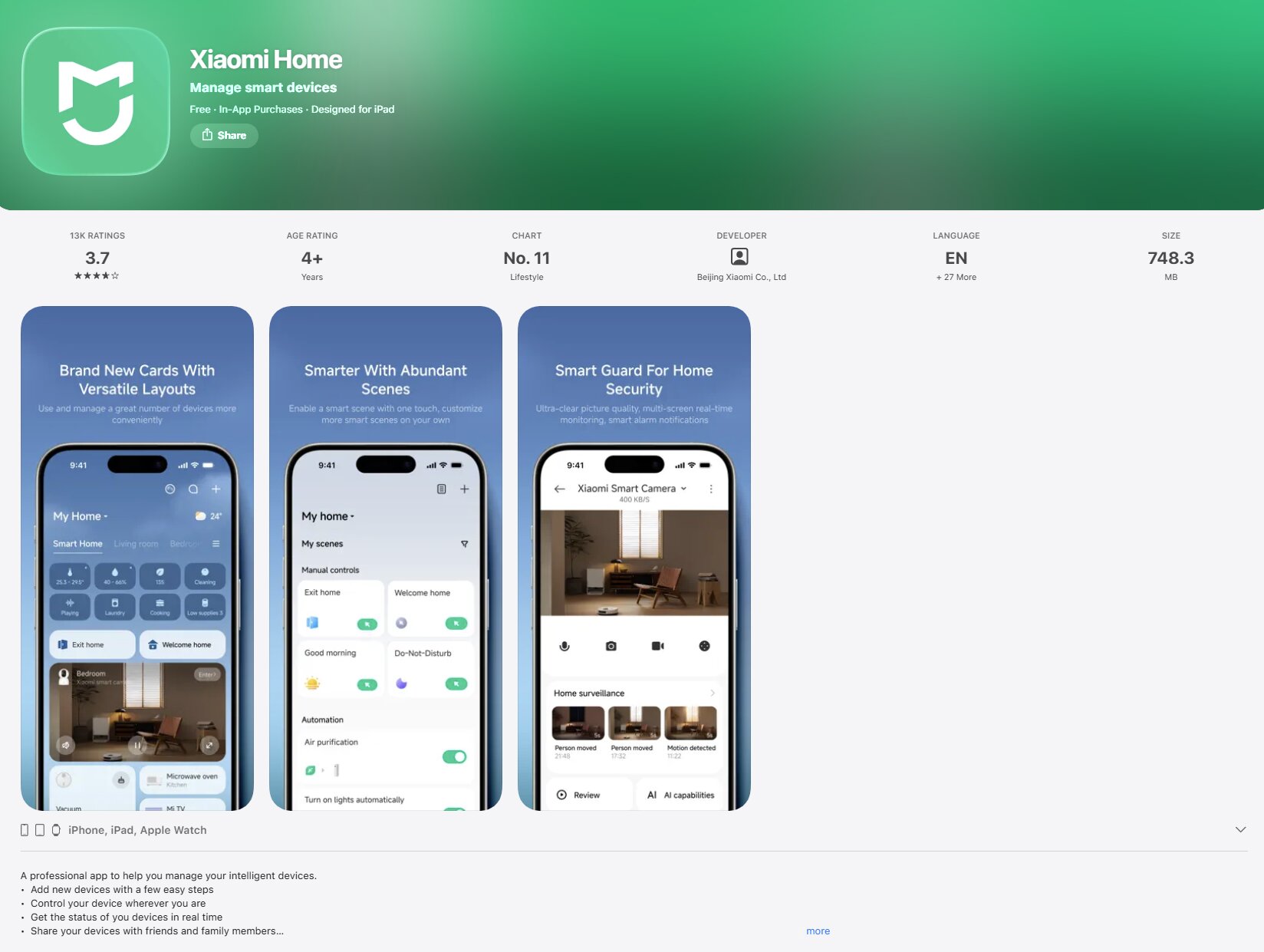
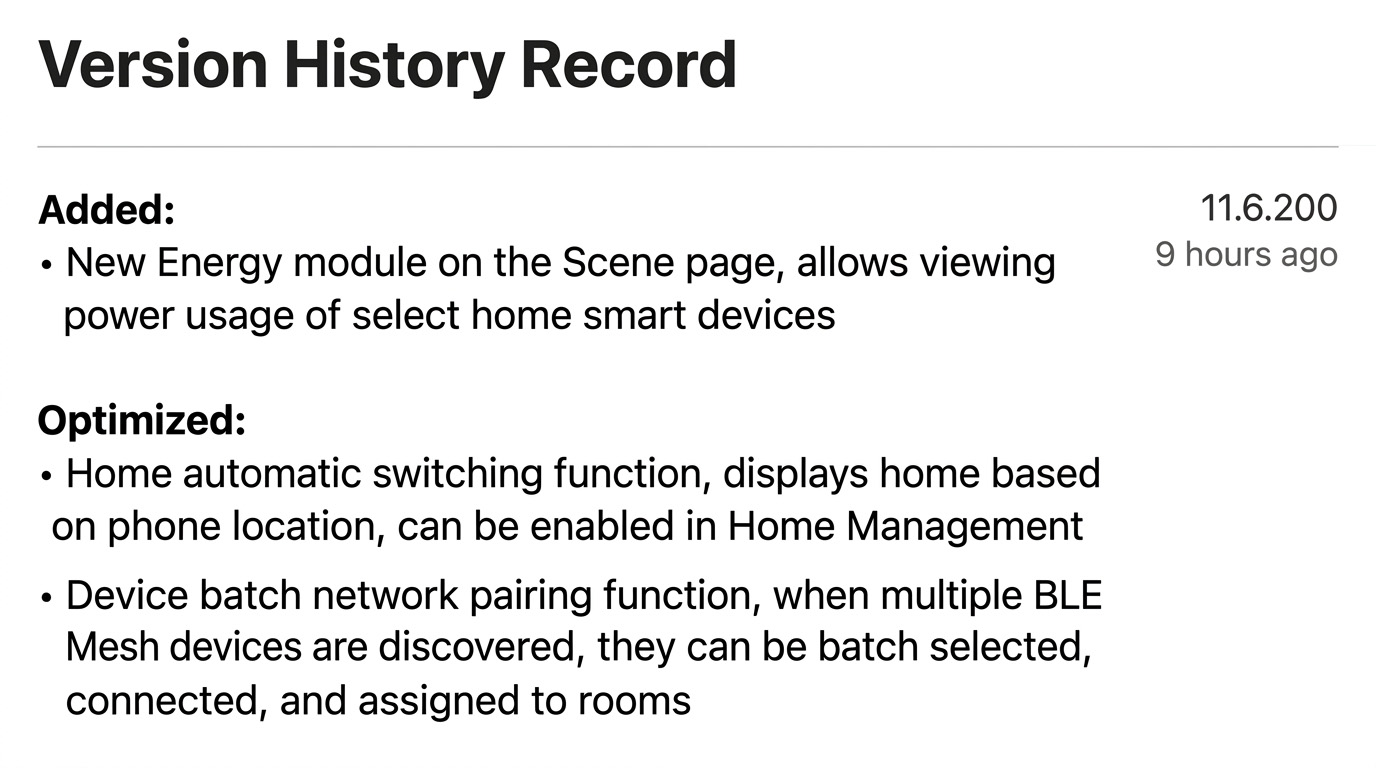
Xiaomi has released a new 11.6.200 update for the Xiaomi Home iOS app, bringing practical smart home improvements for users inside the Xiaomi ecosystem. The latest version adds a new Energy module to the Scenes page, allowing users to check the electricity usage of some supported smart home devices. The update also improves home switching and makes batch setup easier for multiple BLE Mesh devices.
New features in Xiaomi Home 11.6.200
The biggest addition in this update is the new Energy module. It appears inside the Scenes page and is designed to help users monitor the power consumption of selected smart devices at home. This gives Xiaomi Home users a more centralized way to understand energy usage without opening each device page separately.
This feature is especially useful for households using Xiaomi smart plugs, lighting products, home appliances, and other connected devices that support energy data reporting.
Optimized home switching and batch device setup
Xiaomi has also improved the automatic home switching feature. With this function enabled in Home Management, the Xiaomi Home app can use the phone’s location to display the correct home automatically. This is useful for users who manage multiple Xiaomi Home environments, such as a main home, office, or secondary residence.
Another important improvement is batch network configuration for devices. When the app detects multiple BLE Mesh devices, users can now select them in batches, connect them together, and assign rooms more efficiently. This should make the setup process much faster for users adding multiple smart bulbs, switches, sensors, or other BLE Mesh accessories at the same time.
How this update improves the smart home experience
This update is not a visual redesign, but it improves daily usability in several important areas. The Energy module makes Xiaomi Home more useful for energy awareness, while automatic home switching reduces manual steps for users with multiple homes. Batch BLE Mesh setup is also a meaningful quality-of-life upgrade because smart home installation often involves adding many devices at once.