


POCO Launcher has received a new update with version RELEASE-7.50.06.2523-07151437. The official changelog only lists improved stability, but it has identified an important limitation for users who customize the recent apps screen.
The update also moves POCO Launcher from version 6 to version 7 for the first time. The previous known release was RELEASE-6.01.06.2493-06291654.
Version 7 Marks a Major Launcher Branch Change
The jump from the 6.01 branch to 7.50 suggests that Xiaomi has moved POCO Launcher to a newer development base. However, the changelog does not explain whether the update includes visual changes, new animations, or other internal improvements.
The confirmed update details are:
- New version: RELEASE-7.50.06.2523-07151437
- Previous version: RELEASE-6.01.06.2493-06291654
- Changelog: Improved stability
- Main version change: POCO Launcher 6 to POCO Launcher 7
iOS-Style Card Stack Trick No Longer Works
There is one important compatibility change. After installing version 7.50, the known tricks used to enable the iOS-style card stack recent apps menu no longer work.
These unofficial methods previously allowed some POCO users to replace the standard recent apps layout with Xiaomi’s stacked card design. The new launcher version appears to block the required changes, making the layout impossible to activate through the previous methods.
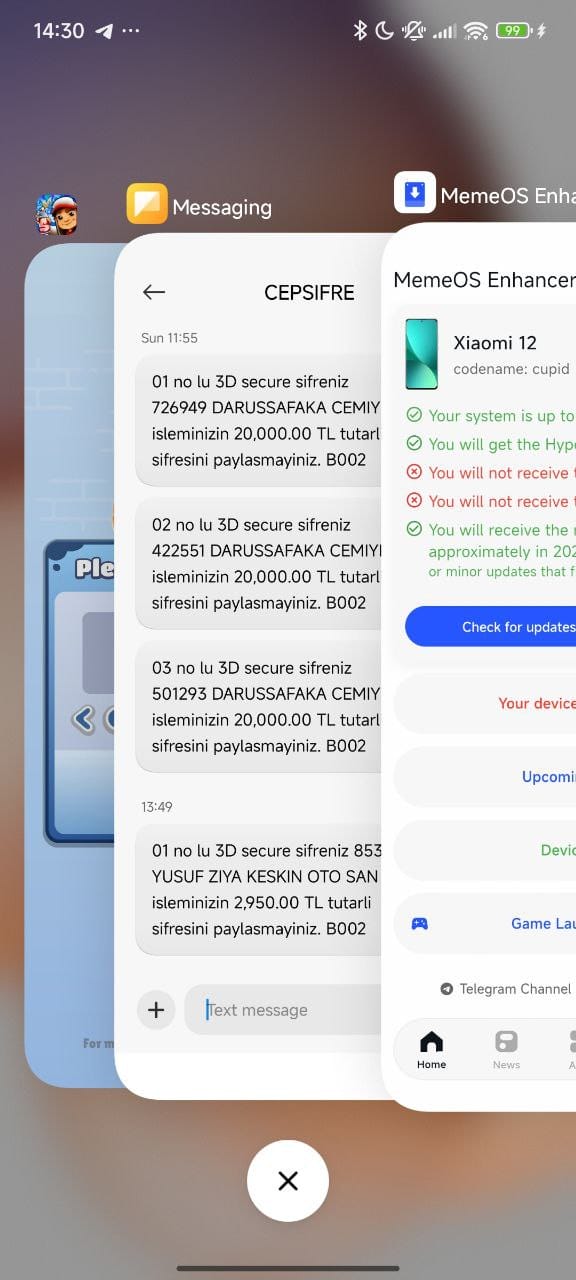
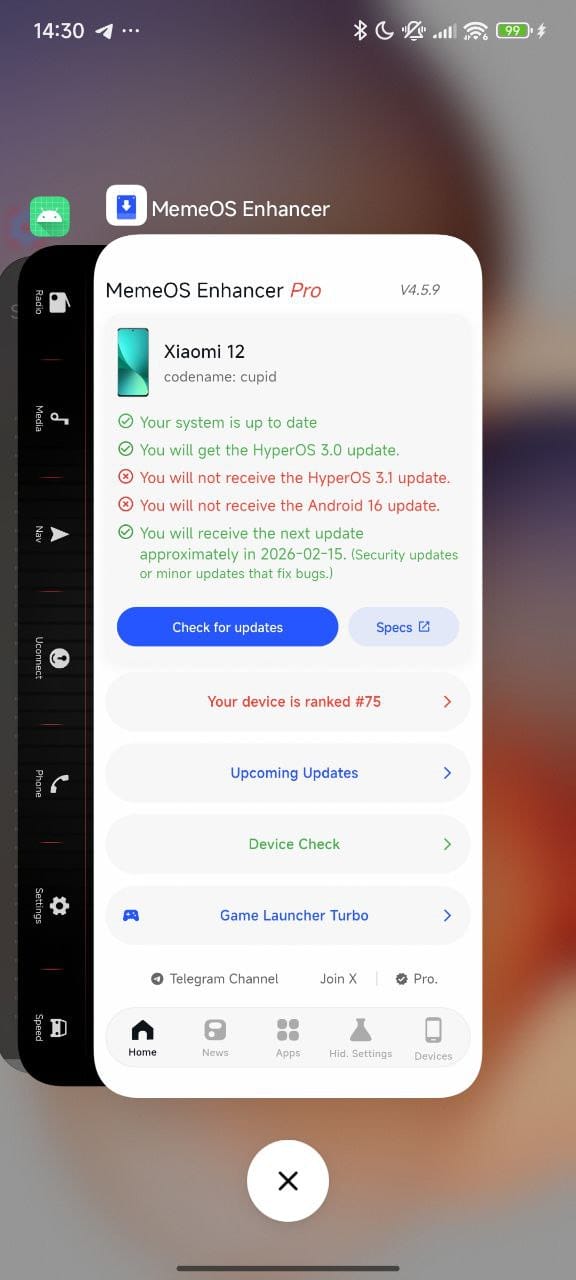
Users who rely on this customization should consider the limitation before updating. The standard recent apps interface continues to work, but the hidden card stack layout may remain unavailable unless a new method is found.
The latest POCO Launcher package can be checked through MemeOS Enhancer. The APK may also be available from MemeOSUpdates.com. Installation and feature compatibility may vary by device and HyperOS version.



if I already had the option in the settings, does installing this version removing the option?
(reply to Albachrim)
no
I have installed This Version and checked about the “Stack Recent Apps” and they’re working fine 👍
Hello, my Xiaomi Poco M5 s was hacked about a month ago and the Gmail connected to the phone’s user account was also hacked, which caused the hacker to cut off my access to the phone and my phone was locked. Then I accidentally downloaded a new ROM from a site. Now I can’t connect to my Xiaomi account and I don’t have access to the sites and cloud space of the Xiaomi account. Please guide me on what to do to use the new version of my phone and the original ROM of the phone. Thank you.
please help me