
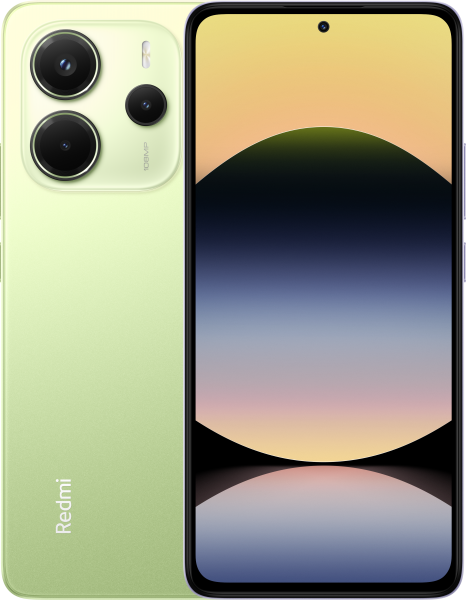
Redmi Note 14 4G | OS3.0.301.0.WOGIDXM ROM Download
Changelog
- Comprehensive system app optimization
- Camera:
- Optimization: Added a preset management page and support for bulk import/export of preset parameters for Pro mode
- Calendar:
- Optimization: Holiday display in Calendar, with more traditional festivals and historical commemorative days
- Fix: An issue where dates displayed incorrectly in some cases
- Other improvements:
- New: Clarity mode brings together text and icon size, ringtone volume, scam call blocking, and other phone settings
- New: The option to tap the status bar to return to the top of the page in some apps and scenarios
- Optimization: Mi Mover now supports transferring more data, including some settings and user data from system apps
- Optimization: Gallery search animations for smoother transitions
- Fix: An issue where macOS compressed files didn't display properly in File Manager in some cases
- Fix: Stuttering when loading multilingual screenshot thumbnails in some cases
- Interconnectivity
- New: Xiaomi phones now support AirPods, including fast pair pop-ups, battery status, Spatial Audio, noise cancellation switching, and Find My
- Privacy and security
- New: More system apps now support Private access, with ongoing compatibility improvements for additional apps
- Optimization: Updated Fingerprints, face data, and screen lock page layout for easier, faster setup
Recovery ROM
Fastboot ROM
Download HyperOS OS3.0.301.0.WOGIDXM for Redmi Note 14 4G
This is the official HyperOS OS3.0.301.0.WOGIDXM ROM for Redmi Note 14 4G (tanzanite). You can download the Recovery ROM directly or use the Fastboot ROM for a clean installation using Mi Flash Tool.
All Redmi Note 14 4G ROMs · HyperOS Downloader · Installation Guides