


One of the most aesthetically pleasing ways to customize your smartphone is by integrating the physical hardware—specifically the front-facing camera cutout—directly into your wallpaper design. Instead of hiding the punch-hole, savvy users are now using generative AI to create stunning, precision-aligned wallpapers that interact with the camera lens. By combining the power of AI image generation with the built-in AI editing tools found in Xiaomi HyperOS, creating a flawless, personalized home screen has never been easier.
The AI Wallpaper Generation and Cleanup Process
Creating a seamlessly integrated wallpaper requires exact coordinates so the AI understands where the camera cutout physically sits on your display.
Step 1: Capture Your Canvas
Take a standard screenshot of your smartphone’s home screen. This screenshot serves as the blueprint, providing the AI with the exact dimensions of your display and the precise location of the black camera hole.
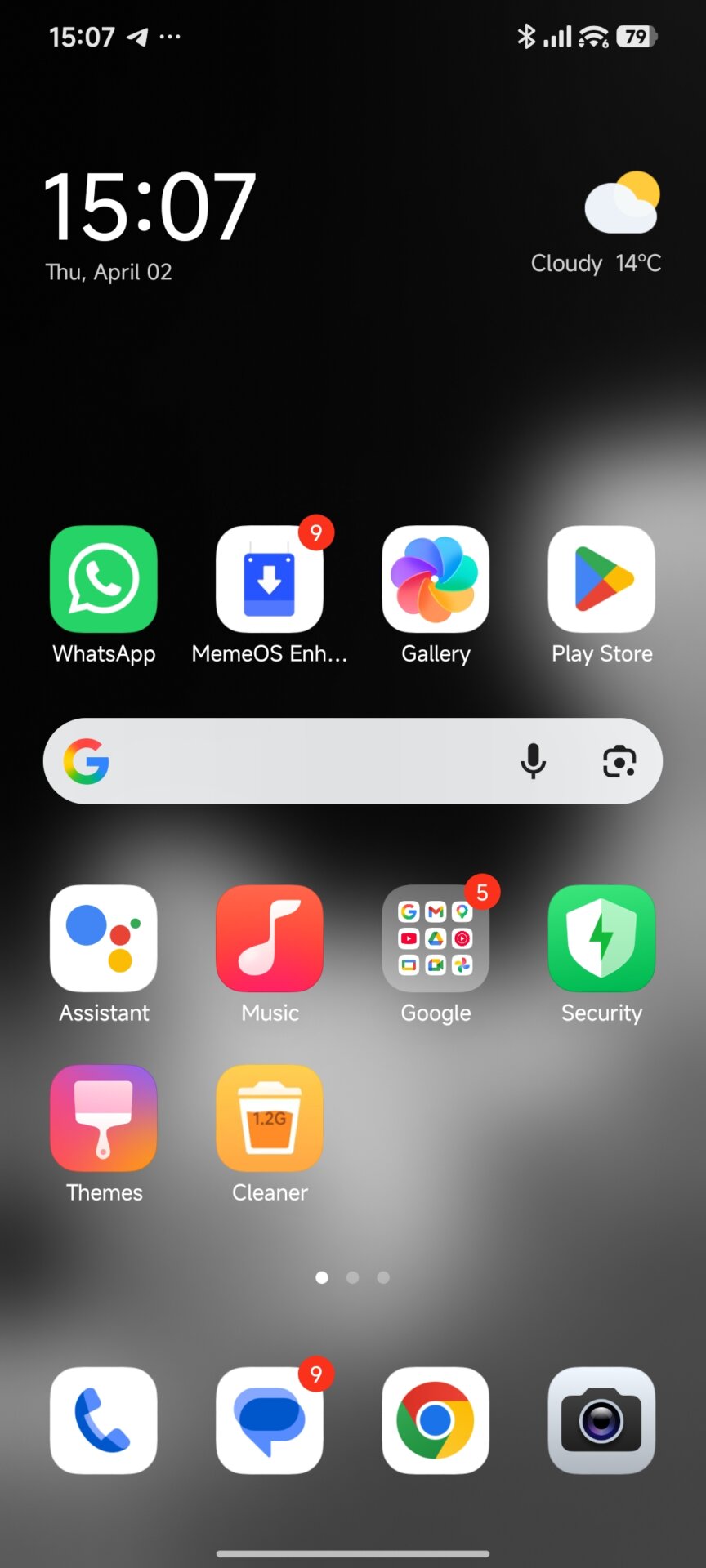
Step 2: Generate the Design with AI
Upload the screenshot to an AI generator capable of multimodal processing (such as Gemini) and use the following highly specific prompt to generate your design.
Copy and paste this prompt:
“Attached is a screenshot of a smartphone home screen featuring a top-centered punch-hole camera. You must keep the exact screen dimensions and the exact coordinates of this black camera hole unchanged. Remove all UI elements, app icons, widgets, and status bar items to create a clean, blank wallpaper canvas.
Generate a highly aesthetic wallpaper featuring:
[INSERT YOUR SUBJECT HERE].
Crucially, the design must directly and physically interact with the exact spot of the camera hole. The core element of your subject (such as a rope it hangs from, a cable, or a visual focal point) must attach perfectly to, or originate exactly from, that specific black dot at the top center. The rest of the screen should complement this interaction with a clean, fitting background.”
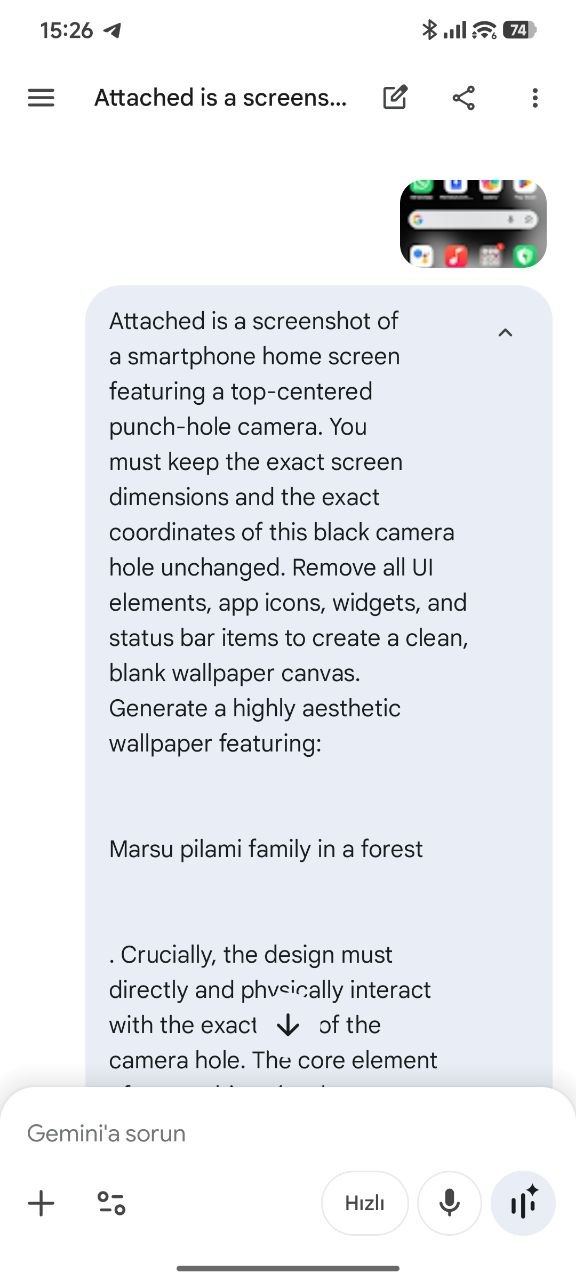
Pro Tip on Language: You are not restricted to English when filling out the [INSERT YOUR SUBJECT HERE] section! Advanced AI tools like Gemini are multilingual. Feel free to describe your desired scene, characters, or aesthetic entirely in your native language—the AI will still perfectly understand and generate the image accordingly.
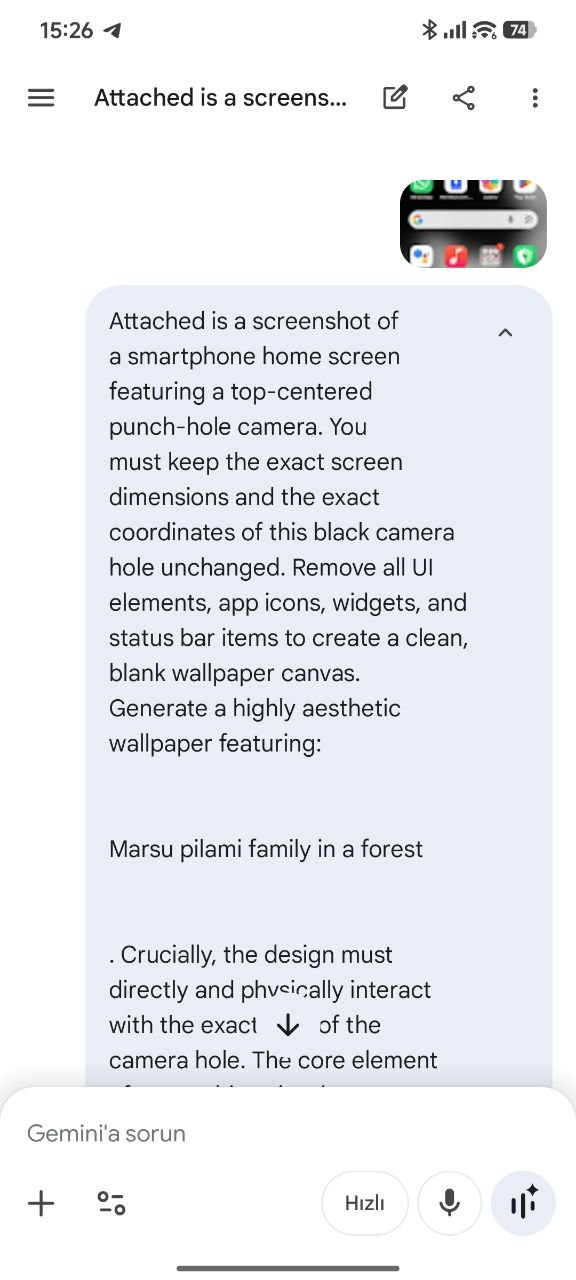
Step 3: Refine with HyperOS AI Erase
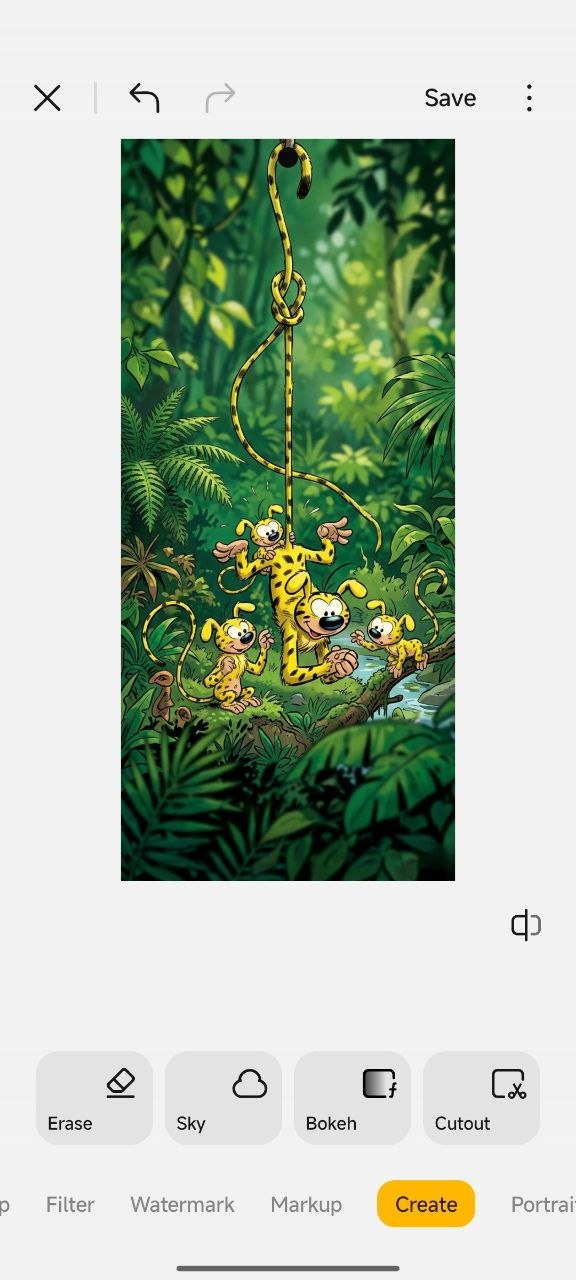
External AI generators will often place a small watermark in the corner of the generated image. To achieve a premium, flawless look, open the generated wallpaper in your device’s native Gallery app. Navigate to Edit > AI Create > Erase, and simply wipe away the watermark using the tool.
Creative Inspiration
Not sure what subject to use? Here are three fantastic concepts to try out:
-
Marsupilami: “Marsupilami hanging by his long tail from the camera cutout in a lush jungle forest.”
-
Chocolate Waterfall: “A rich, flowing chocolate waterfall pouring directly out of the camera cutout into a delicious landscape.”
-
Sci-Fi Robot: “A small robot desperately holding onto a cable attached to the camera cutout to avoid falling into a sea of glowing lava below.”


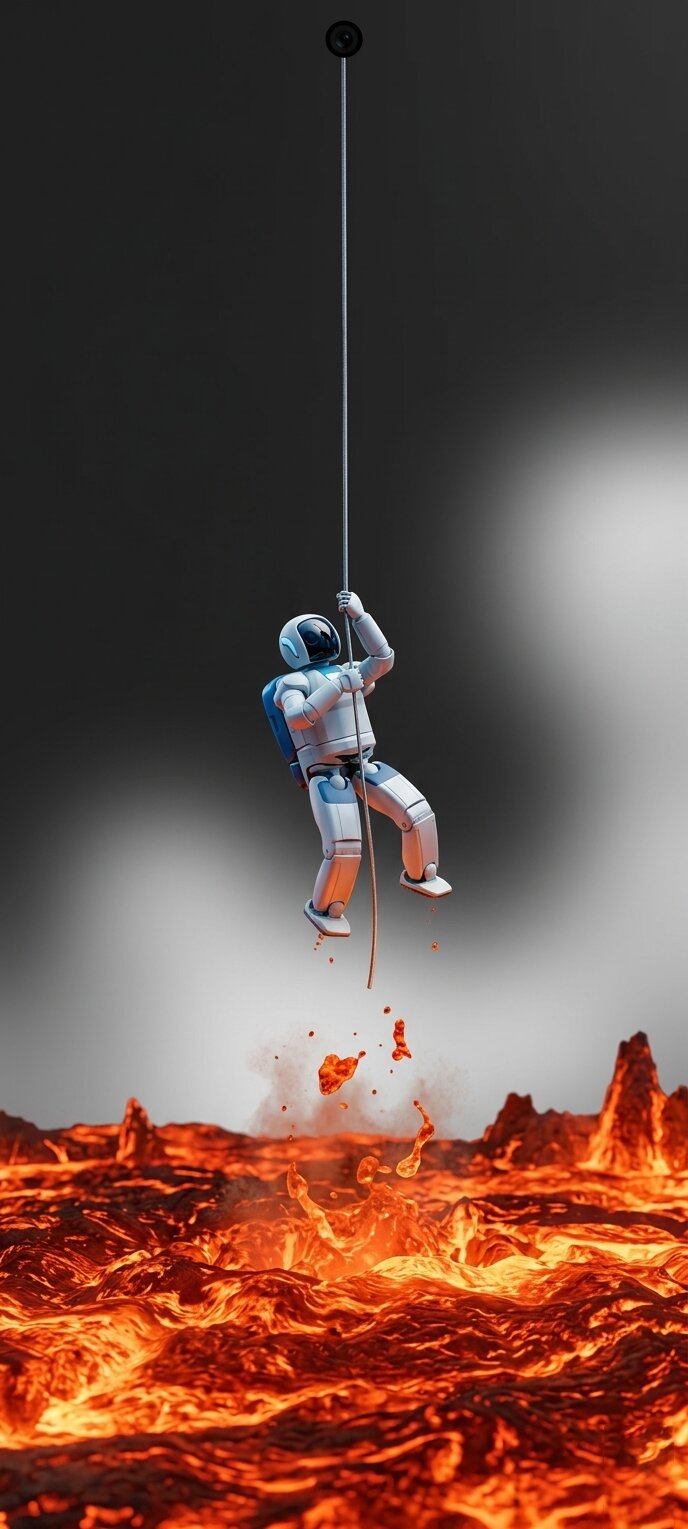

Historically, users had to rely on paid third-party applications or heavily compressed online galleries to find wallpapers that cleverly hid or utilized the display notch or punch-hole. This method entirely democratizes the customization process, allowing users to generate infinite, high-resolution, pixel-perfect designs for free. Furthermore, utilizing the native AI Erase capabilities within the HyperOS Gallery highlights the robust, on-device editing power that comes standard with the operating system, eliminating the need for external photo editing software.



But the notch is not part of the screenshot. How does the ai know where exactly it is?
new control centre